Scan real storage
Find large media, screenshots, old videos and duplicate photos from your device library.
 ClearNest
Storage clarity for Android
ClearNest shows what is using space, lets you review every cleanup choice, and confirms what was actually freed.
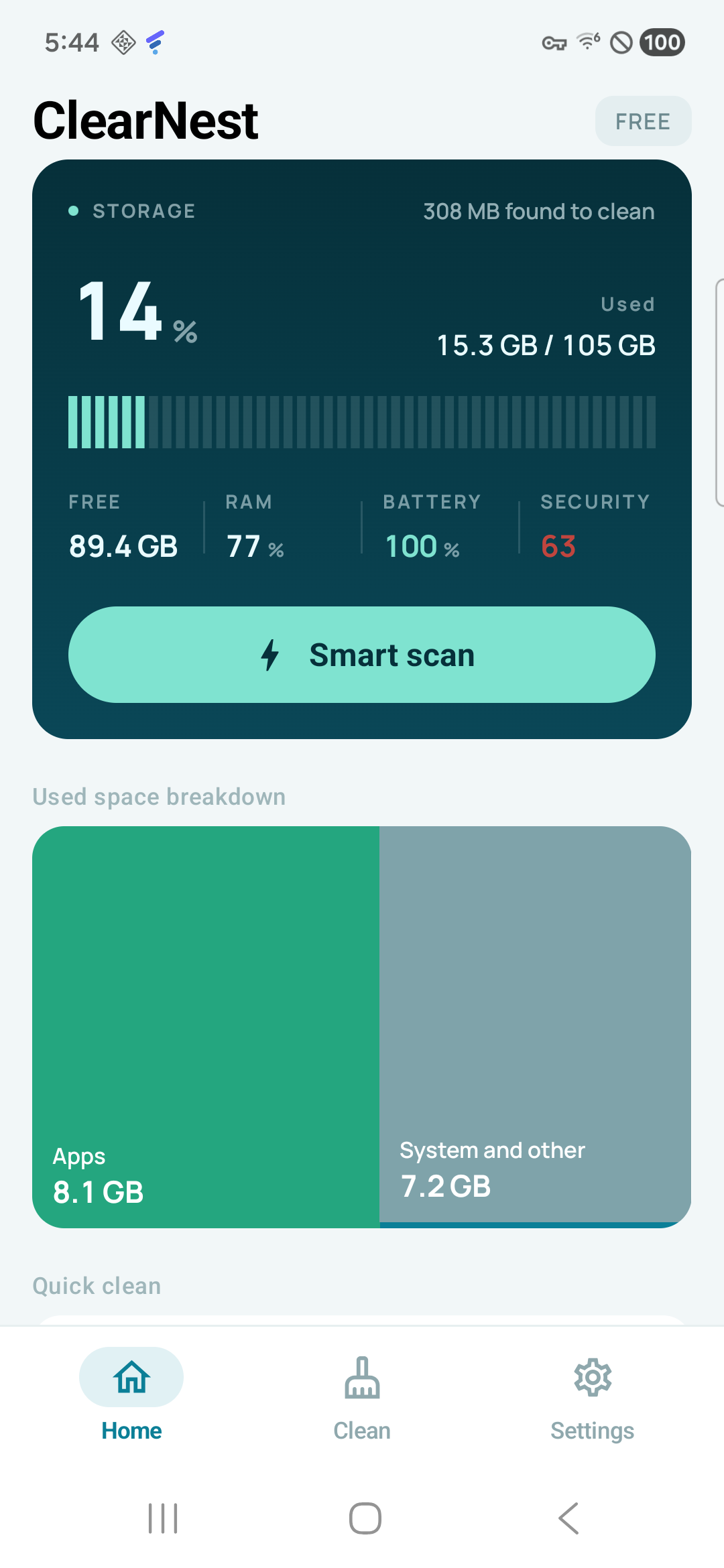
1Smart scan
4Cleanup groups
2Media optimisers
0Developer file uploads
A careful cleanup flow
ClearNest measures what Android makes available and keeps destructive choices in your hands.
Find large media, screenshots, old videos and duplicate photos from your device library.
Open photos and videos, compare file sizes, and choose only the items you no longer need.
Android confirms protected deletions. ClearNest reports bytes only after the device says they were removed.
One scan, useful answers
Start with the biggest opportunities, then open the category that makes sense for you.
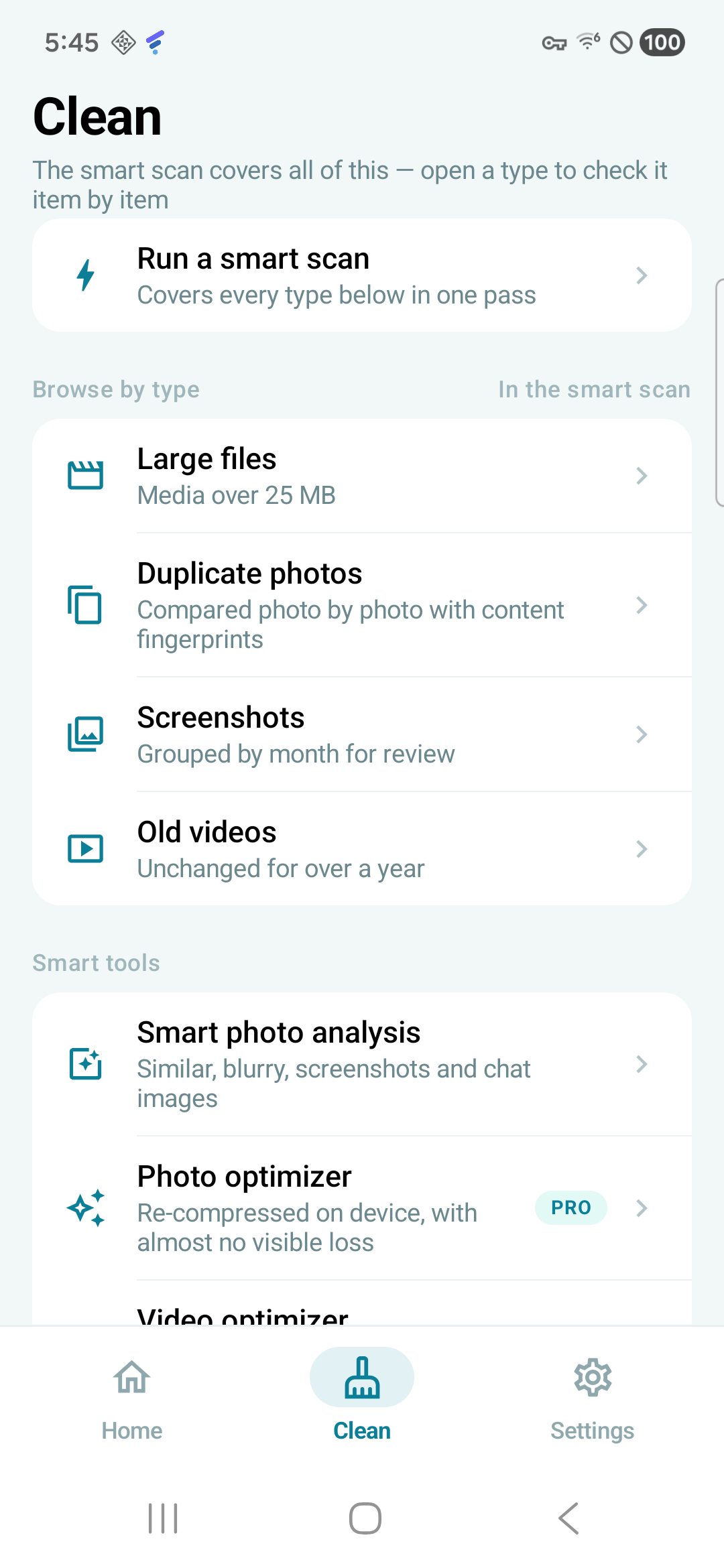
Media optimisation
Create smaller photo and video copies, review the savings, then decide whether to keep or remove the original.
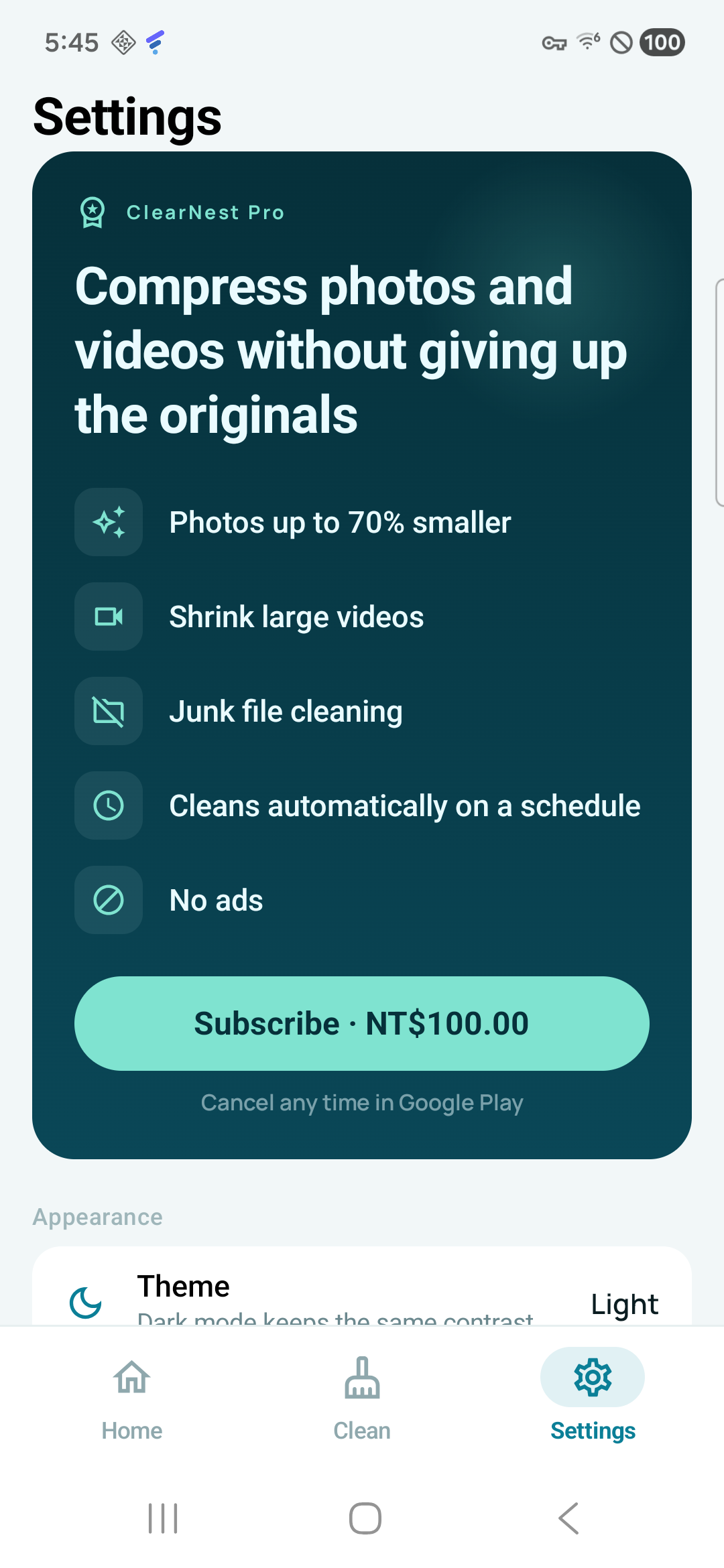
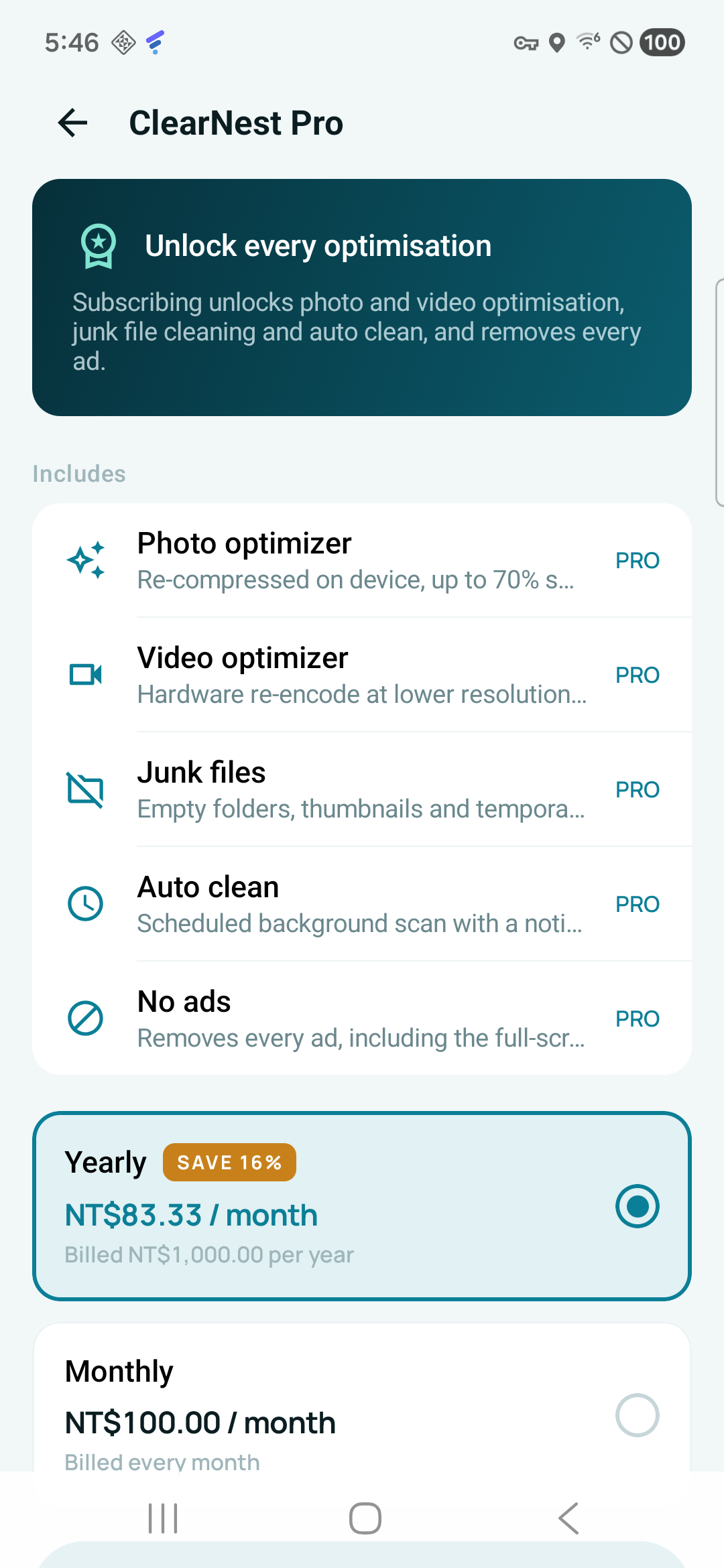
ClearNest Pro
Monthly and yearly plans are offered through Google Play. The final price, renewal terms and any eligible offer are always shown before purchase.
Privacy by product design
Photos, videos, file paths, installed-app names and security-audit details are processed on your device. ClearNest does not run an account, cloud-sync or file-upload service.